Key Takeaways
- 01
AI chatbots deliver instant support, reducing wait times across customer service channels. - 02
They automate routine requests, allowing support teams to handle complex customer concerns. - 03
Personalised responses and 24/7 availability help businesses create stronger customer experiences. - 04
Effective chatbots need reliable knowledge bases, clear goals, and connected business systems. - 05
Regular testing and conversation reviews keep chatbot responses accurate, helpful, and relevant.
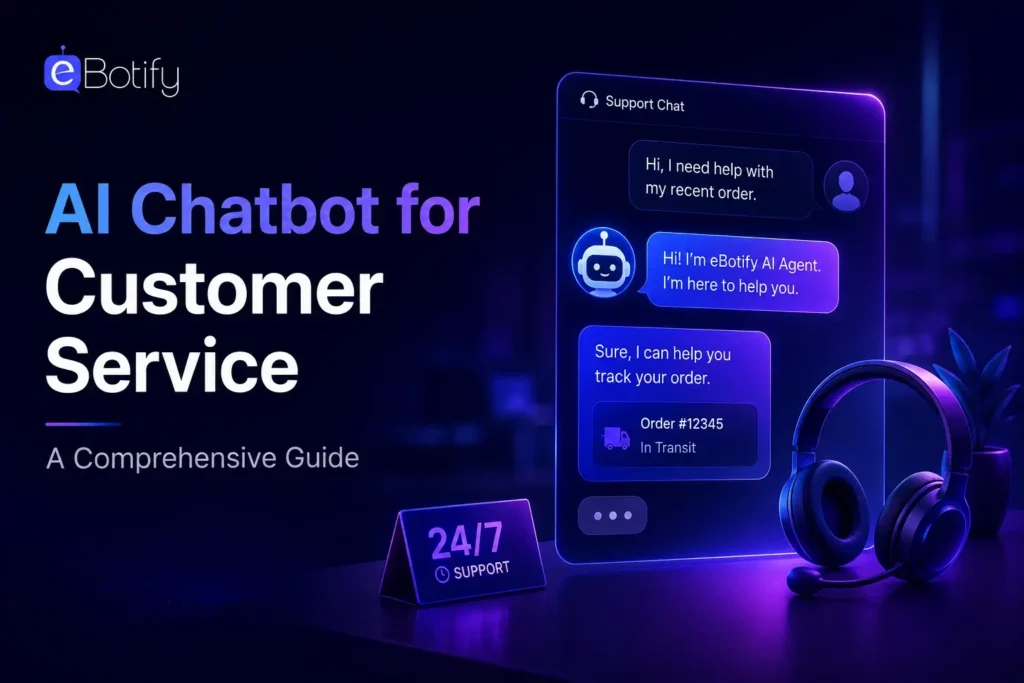
Customer expectations now demand fast, accurate, and personalized support across every digital interaction. An AI chatbot for customer service helps businesses answer questions, resolve issues, and guide customers instantly. It reduces response delays while allowing support teams to focus on complex requests. Companies use these chatbots to deliver consistent assistance at scale.
Businesses need practical support tools that improve customer satisfaction without increasing operational pressure. Intelligent chatbots can automate routine conversations, collect useful information, and provide assistance around the clock. They also help teams create smoother customer journeys across websites and messaging platforms. In this blog, we will explore benefits, use cases, and development steps. So, let’s keep reading further!
What Is an AI Chatbot for Customer Service?
An AI chatbot for customer service is a digital assistant that talks with customers through websites, apps, and messaging channels. It understands customer questions, provides relevant answers, and helps people complete common tasks. Unlike basic scripted bots, it uses artificial intelligence to understand natural language and respond more accurately.
Businesses use AI chatbots to answer FAQs, track orders, solve simple problems, recommend products, and direct complex requests to support agents. These chatbots provide help at any time, reduce customer waiting periods, and manage many conversations simultaneously. They help support teams deliver faster, more consistent, and more personalized customer experiences.
Key Functionalities at a Glance
1. Natural Language Understanding: Interprets customer questions written in everyday, conversational language.
2. Instant Query Resolution: Answers common questions quickly without making customers wait.
3. Personalized Responses: Uses customer data to provide more relevant support.
4. 24/7 Customer Assistance: Offers reliable help beyond regular business operating hours.
5. Human Agent Handoff: Transfers complex issues with relevant conversation context included.
6. Omnichannel Support: Delivers consistent assistance across websites, apps, and messaging platforms.
Key Benefits of Using AI Chatbots for Customer Support
A customer service chatbot helps businesses provide faster, more reliable, and scalable support. Here are the key benefits of using AI chatbots for customer support.
1. Faster Customer Responses
AI chatbots provide instant answers to common customer questions. This reduces waiting times and improves the overall support experience.
2. Better Support Availability
Chatbots offer assistance throughout the day and night. Customers can receive help whenever they need it, even outside business hours.
3. Lower Support Costs
A chatbot customer support system automates repetitive queries and routine tasks. This helps businesses manage service costs while using team resources more effectively.
4. Higher Agent Productivity
AI handles simple requests, allowing agents to focus on complex customer concerns. It also provides useful context and suggestions during customer interactions.
5. Personalized Customer Assistance
AI uses customer information to deliver relevant answers and recommendations. Support teams can then offer solutions that better match individual needs.
6. Easier High-Volume Request Management
Chatbots can manage many customer conversations at the same time. This helps support teams maintain service quality during busy periods.
7. Streamlined Support Operations
AI identifies repetitive requests that businesses can automate. It also helps teams improve workflows and resolve issues more efficiently.
Must-Know Insights
- 53% of users choose preset prompts, while 47% begin conversations using their own questions.
- 60% of consumers engage with support chatbots when businesses prompt them during their customer journey.
- 77% of chatbot users resolve issues independently without needing human agent support at least sometimes.
- 50% of executives value 24/7 availability, making continuous customer support a leading chatbot priority.
- 45% of executives prioritize agent time savings through automation of repetitive customer service tasks.
- 44% of executives want faster customer resolution, helping teams close support requests more efficiently.
- 54.8% of B2B professionals gained higher-quality leads after launching a chatbot on their website.
Common AI Chatbot Use Cases in Customer Service
Chatbot customer support helps businesses manage routine requests and guide customers through common service tasks. Here are the most common AI chatbot use cases in customer service.
1. Order Updates
Chatbots share real-time order status, delivery dates, and shipping information. Customers can track purchases without contacting a support agent.
2. Appointment Management
Customers can book, reschedule, or cancel appointments through a chat interface. Automated reminders also help businesses reduce missed appointments.
3. Returns and Refunds
Chatbots explain return policies and check whether orders meet return requirements. They can start return requests and share refund progress updates.
4. Product Recommendations
AI customer support software suggests suitable products based on customer preferences and browsing activity. It also helps customers compare options before making a purchase.
5. FAQ Support
Automated customer service answers common questions about passwords, policies, business hours, and account access. This reduces repetitive tickets for support teams.
6. Smart Agent Handoffs
Chatbots identify complex issues and send them to the right support agent. They also share conversation history, so customers avoid repeating their concerns.
How to Build an AI Chatbot for Customer Service?
Building an AI chatbot requires clear goals, reliable customer data, and the right technology. Here are the key steps to build an AI chatbot for customer service.
1. Build a Reliable Knowledge Base
Collect FAQs, policies, product guides, and help articles in one place. Clear instructions help the chatbot provide accurate answers and avoid unsupported responses.
2. Set Clear Support Goals
Identify common customer questions and the tasks your chatbot should handle. Define when it must transfer complex concerns to a human agent.
3. Select the Right Chatbot Platform
Choose a platform that matches your support needs, budget, and technical resources. No-code tools can help businesses launch an AI chatbot for customer service faster.
4. Integrate Business Systems
Connect the chatbot with helpdesk, CRM, order management, and inventory systems. These integrations allow it to access relevant information and complete support tasks.
5. Test and Improve Performance
Test conversations for common questions, unusual situations, and complex customer requests. Review chat transcripts regularly and update responses to improve future interactions.
Ready to Deliver Better Customer Support With AI?
An AI chatbot for customer service helps businesses respond faster, support customers around the clock, and manage routine requests at scale. With the right knowledge base, integrations, and regular improvements, businesses can create smoother experiences while allowing support teams to focus on more complex customer needs.
eBotify helps businesses create remarkably humanized chatbots that engage audiences, support customers, and guide prospects through meaningful conversations. You can build your own bot to answer questions, share relevant information, and create helpful interactions that support stronger customer relationships and business growth.
Frequently Asked Questions
1. How long does it take to launch an AI customer service chatbot?
A simple chatbot can go live within days if your FAQs and support content are ready. More advanced bots may take longer because they need integrations, testing, and custom workflows.
2. How can businesses prevent chatbots from giving incorrect answers?
Use a well-organized knowledge base and instruct the chatbot to answer only from approved information. Regularly reviewing conversations also helps teams identify and fix weak responses.
3. Can a chatbot support customers in multiple languages?
Yes, many AI chatbots can understand and respond in several languages. Businesses should still test each language carefully to maintain accurate and natural conversations.
4. What happens when a chatbot cannot solve a customer problem?
The chatbot should transfer the conversation to a human support agent. It can also share the chat history, so the customer does not need to explain the issue again.
5. Is customer data safe when using an AI chatbot?
It can be safe when businesses choose secure platforms and follow proper data protection practices. They should control data access, protect sensitive information, and clearly explain their privacy policies