Key Takeaways
- 01
Chatbots for websites can answer common questions instantly and help visitors find the information they need. - 02
A website chatbot can support lead generation by engaging visitors and collecting relevant information. - 03
AI chatbots can reduce repetitive support work while keeping human agents available for complex issues. - 04
The best chatbot experience is built around clear business goals, useful information, and an easy path to human support. - 05
Businesses should choose chatbot capabilities based on customer needs rather than adding automation simply for the sake of using AI.
A visitor lands on your website, looks through a few pages, and has a simple question. If the answer is difficult to find, the visitor may leave before contacting your team. The same problem can happen when an existing customer needs help outside business hours or when your support team is busy handling other requests.
This is where chatbots for websites can make a practical difference. A well-designed chatbot gives visitors another way to get information, ask questions, request assistance, or start a conversation with your business. When the chatbot is connected to the right content and workflows, it can become a useful part of the customer journey rather than just another feature on a website.
What Are Chatbots for Websites?
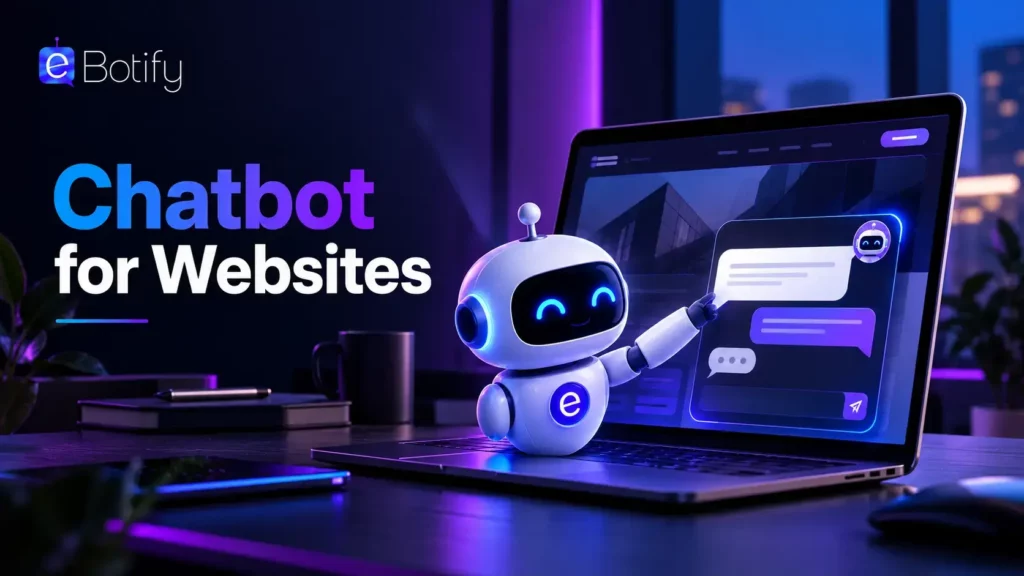
Chatbots for websites are software tools that allow visitors to communicate with a business directly through its website. They can answer common questions, provide information, guide users toward relevant pages, collect contact details, and in some cases connect visitors with a human representative.
A basic website chatbot may follow predefined rules and conversation paths. More advanced solutions use artificial intelligence to understand natural language and respond to a wider range of questions. An AI chatbot for website interactions can therefore make conversations more flexible, particularly when visitors do not use the exact wording expected by a traditional chatbot.
Why Do Businesses Need a Website Chatbot?
Websites are often the first place where potential customers learn about a business. Visitors may arrive with different levels of intent. Some are researching a product, some need an answer before making a purchase, and others may already be customers looking for support.
A website chatbot can help businesses respond to these different needs without requiring every visitor to submit a form, send an email, or wait for a support representative.
1. Give Visitors Faster Answers
People usually do not want to search through multiple pages to find a basic answer. A chatbot for business website visitors can provide information directly within the conversation, making it easier to find answers without interrupting the browsing experience.
For example, a visitor may ask about service availability, pricing information, delivery options, or the next step in a process. If the answer is available in the business’s approved information, the chatbot can provide it immediately.
2. Provide Support Beyond Business Hours
Customer questions can arrive at any time. A customer support chatbot can handle common requests even when a support team is unavailable, giving customers a way to access basic information outside regular working hours.
The chatbot does not need to replace human support. Instead, it can handle straightforward questions and direct more complicated requests to an appropriate team member when one becomes available.
3. Capture More Leads
Traditional contact forms ask visitors to fill in information and wait for a response. A lead generation chatbot can turn that process into a conversation by asking relevant questions and collecting information gradually.
For instance, a business website could ask what service a visitor is interested in, understand their basic requirements, and request contact details before sending the conversation to the sales team. This can create a more interactive path for visitors who are interested but not ready to make a direct inquiry.
4. Reduce Repetitive Support Requests
Support teams often receive the same questions repeatedly. A website AI chatbot can handle suitable repetitive requests, allowing employees to spend more time on cases that require investigation, judgment, or personal assistance.
Common examples include questions about account processes, product details, service availability, shipping, returns, working hours, and basic troubleshooting.
5. Guide Visitors to the Right Information
Not every visitor knows where to find the information they need. A chatbot can act as a conversational guide by understanding what the visitor is looking for and directing them toward a relevant product, service, resource, or page.
This can be especially useful for websites with many services or products. Instead of expecting visitors to understand the site’s structure, the chatbot can help them take the next step based on their needs.
6. Create a More Interactive Customer Experience
A website is usually a one-way experience. Visitors read information and navigate between pages. Adding a conversational layer gives them another way to interact with the business.
When the conversation is relevant and easy to use, it can make the website feel more responsive. The goal should not be to start a conversation with every visitor, but to make assistance available when someone needs it.
Where Can Businesses Use Website Chatbots?
The role of a chatbot depends on the type of website and the needs of its visitors. Some of the most practical applications include:
- Ecommerce: Help customers find products, understand product information, and get answers about orders or delivery.
- SaaS: Answer product questions, guide users toward relevant features, and provide basic support.
- Professional services: Explain services, collect project requirements, and help visitors contact the right team.
- Education: Answer questions about courses, admissions, schedules, and available resources.
- Healthcare: Provide general information and guide visitors toward appropriate resources or contact options.
- Financial services: Handle common informational requests and direct customers toward relevant services or support channels.
The strongest use case is usually one where visitors have recurring questions or need help completing a predictable step. Businesses should identify these interactions before deciding what the chatbot should handle.
Website Chatbot Benefits Beyond Customer Support
Customer service is one of the most obvious applications, but the benefits of chatbots for websites can extend into sales, marketing, and operations. A chatbot can help businesses collect information about visitor needs, identify common questions, and understand where users may be getting stuck.
These conversations can also reveal gaps in website content. If visitors repeatedly ask questions that are not answered clearly on the website, the business can use those insights to improve its pages, FAQs, and support resources.
For sales teams, chatbot conversations can provide useful context before a representative takes over. Instead of starting every interaction from scratch, the team may have information about the visitor’s requirements and the reason they reached out.
What Makes an Effective AI Chatbot for a Website?
Adding a chatbot to a website does not automatically create a better customer experience. The chatbot needs to be useful, easy to understand, and aligned with the business’s actual processes.
- Relevant answers: Responses should address the visitor’s actual question rather than redirecting them unnecessarily.
- Simple conversations: Visitors should be able to reach useful information without navigating a complicated sequence of steps.
- Clear human handoff: Users should have a clear path to a person when the chatbot cannot appropriately handle the request.
- Accurate information: The content behind the chatbot should be reviewed and updated regularly.
- Useful integrations: Where appropriate, the chatbot can connect with business systems to support specific workflows.
Businesses should also consider privacy, security, maintenance, and the type of information the chatbot is allowed to access. A smaller, well-defined chatbot experience is often more useful than an ambitious system that tries to handle every possible request.
Make Your Website More Helpful With Conversational AI
Chatbots for websites can help businesses make customer interactions faster and more accessible. From answering routine questions and providing customer support to capturing leads and guiding visitors, a chatbot can serve several useful roles across the customer journey.
The key is to focus on genuine customer needs. Businesses that identify repetitive questions, common support requests, and points where visitors need guidance can build more useful chatbot experiences. Platforms such as eBotify can help businesses create conversational experiences that support these interactions without turning the website into an overly complicated process.
Frequently Asked Questions
1. What are chatbots for websites?
Chatbots for websites are conversational tools that allow visitors to interact with a business directly through its website. They can answer questions, provide information, collect leads, and assist with customer support.
2. What are the main benefits of a website chatbot?
A website chatbot can provide faster answers, support customers outside business hours, automate repetitive questions, capture leads, guide visitors, and create a more interactive website experience.
3. Can an AI chatbot for a website generate leads?
Yes. An AI chatbot can engage visitors, ask qualifying questions, collect relevant information, and pass suitable leads to a sales team for further follow-up.
4. Can a website chatbot replace human customer support?
A chatbot can handle many routine requests, but it should not be treated as a complete replacement for human support. Complex, sensitive, or unusual issues may still require a human representative.
5. How do businesses choose the right chatbot for their website?
Businesses should start by identifying their main customer needs and repetitive interactions. They can then evaluate chatbot capabilities, integrations, information accuracy, human handoff options, privacy requirements, and ease of management.